AI for families. Text it, or get the app.
That's your week falling on you. Drag it around, then hand it over.

A peek inside
Warm, calm, and finally not a spreadsheet.
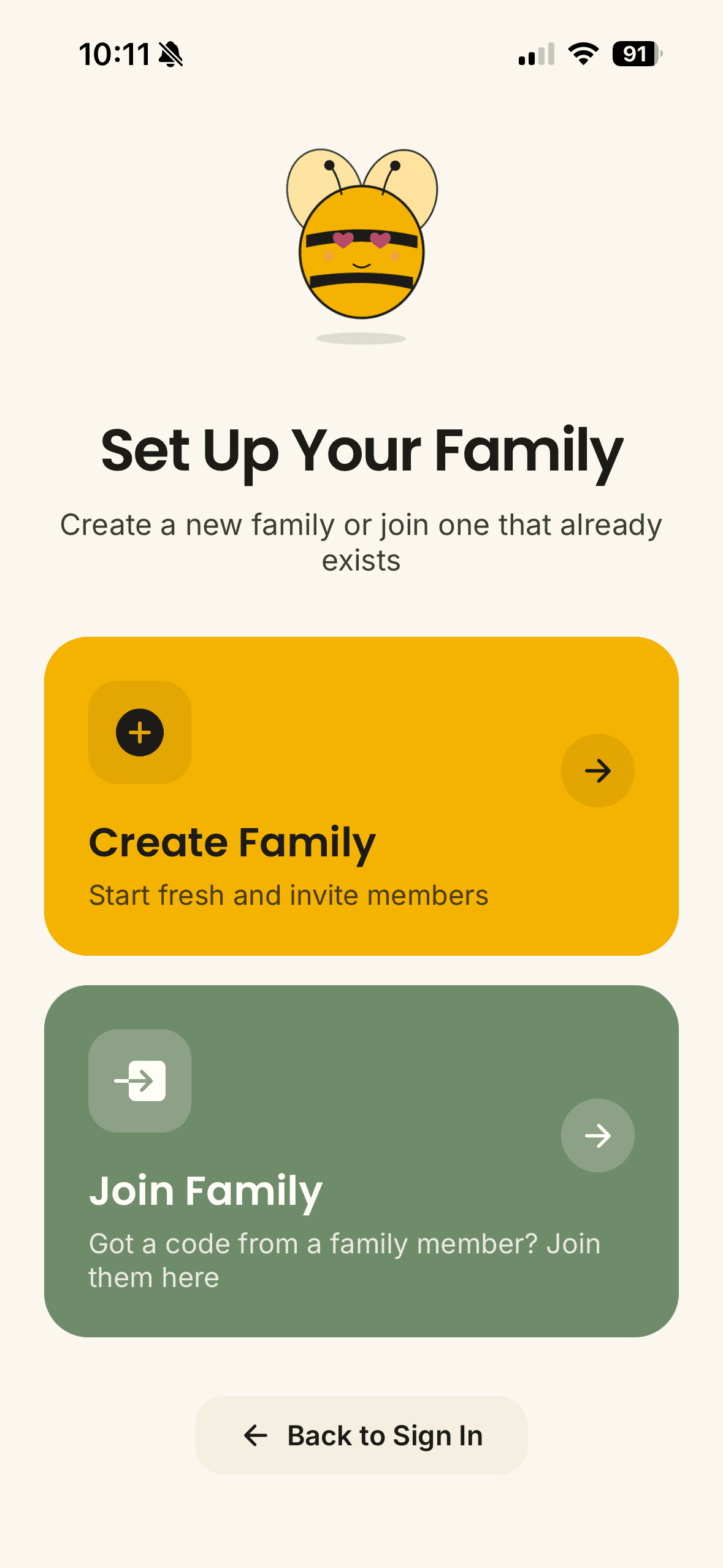
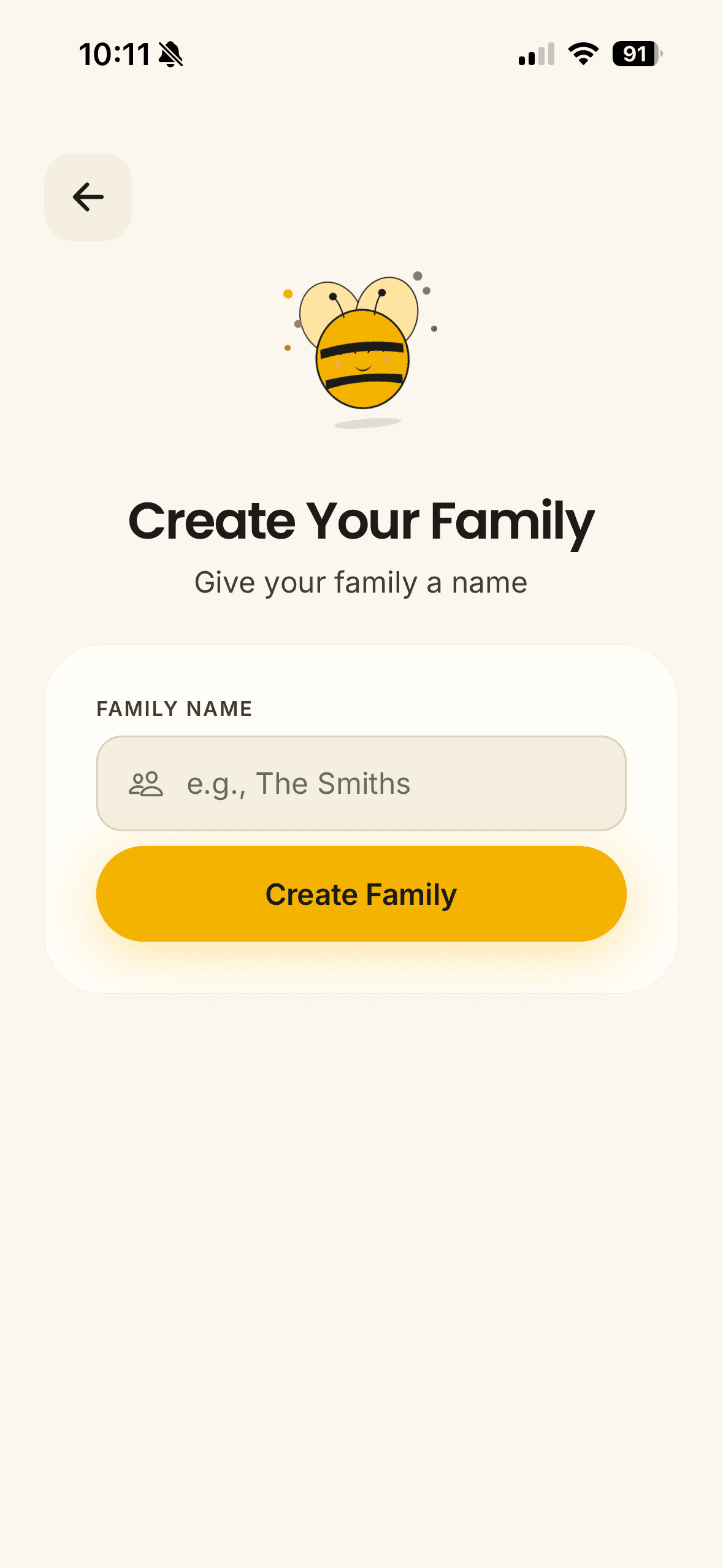
Sound familiar?
A teammate for the part of life nobody schedules.
Running a household is a real job. The hard part was never the calendar. It's that one person holds all of it in their head. Flip a card.
You found out Sunday night that the form was due FridayFlip it ↻
It reads the email so you don't have to
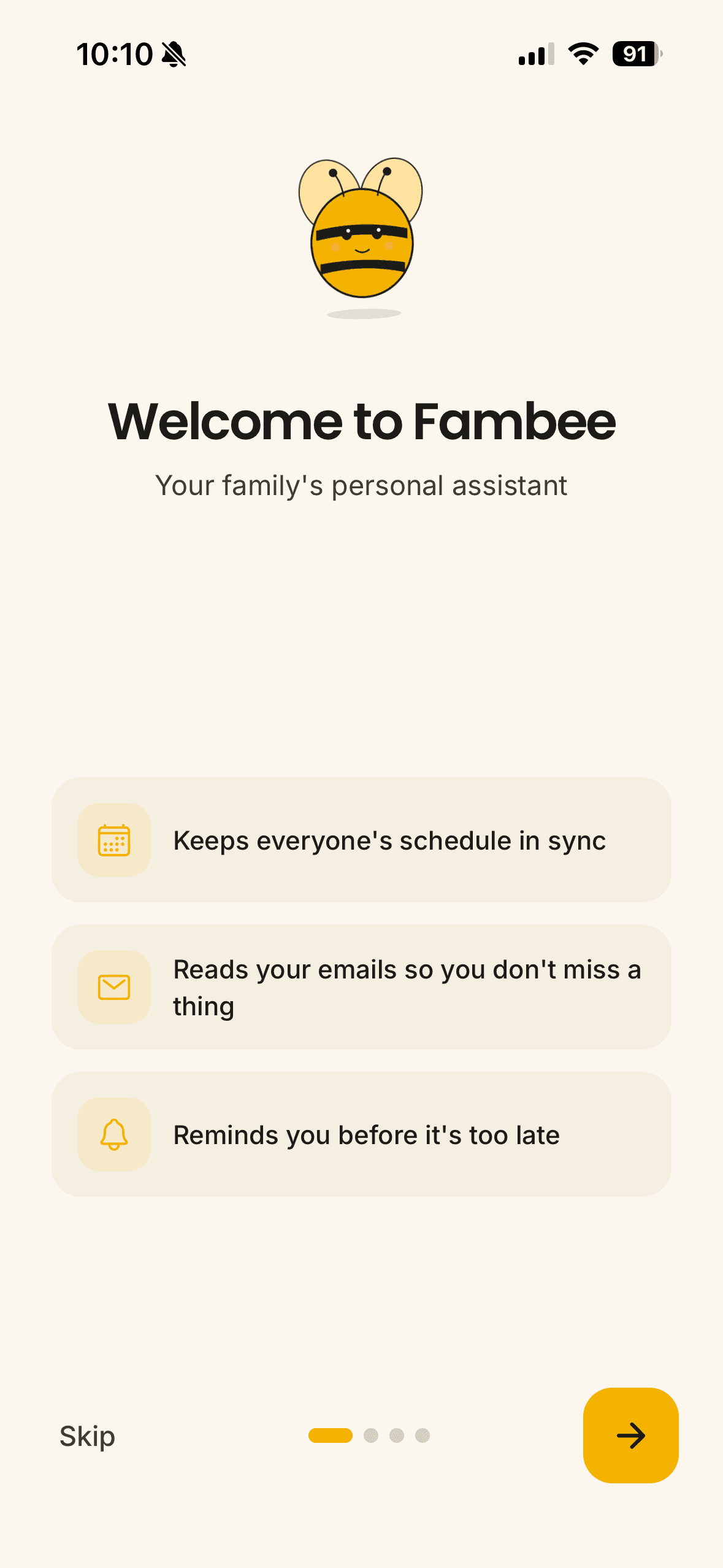
Connect Gmail or Outlook and Fambee pulls the deadline out of the school notice and the date out of the bill. Read-only, and you see everything it added.
Telling your partner what to do is somehow more work than doing itFlip it ↻
Finally, two people who actually know
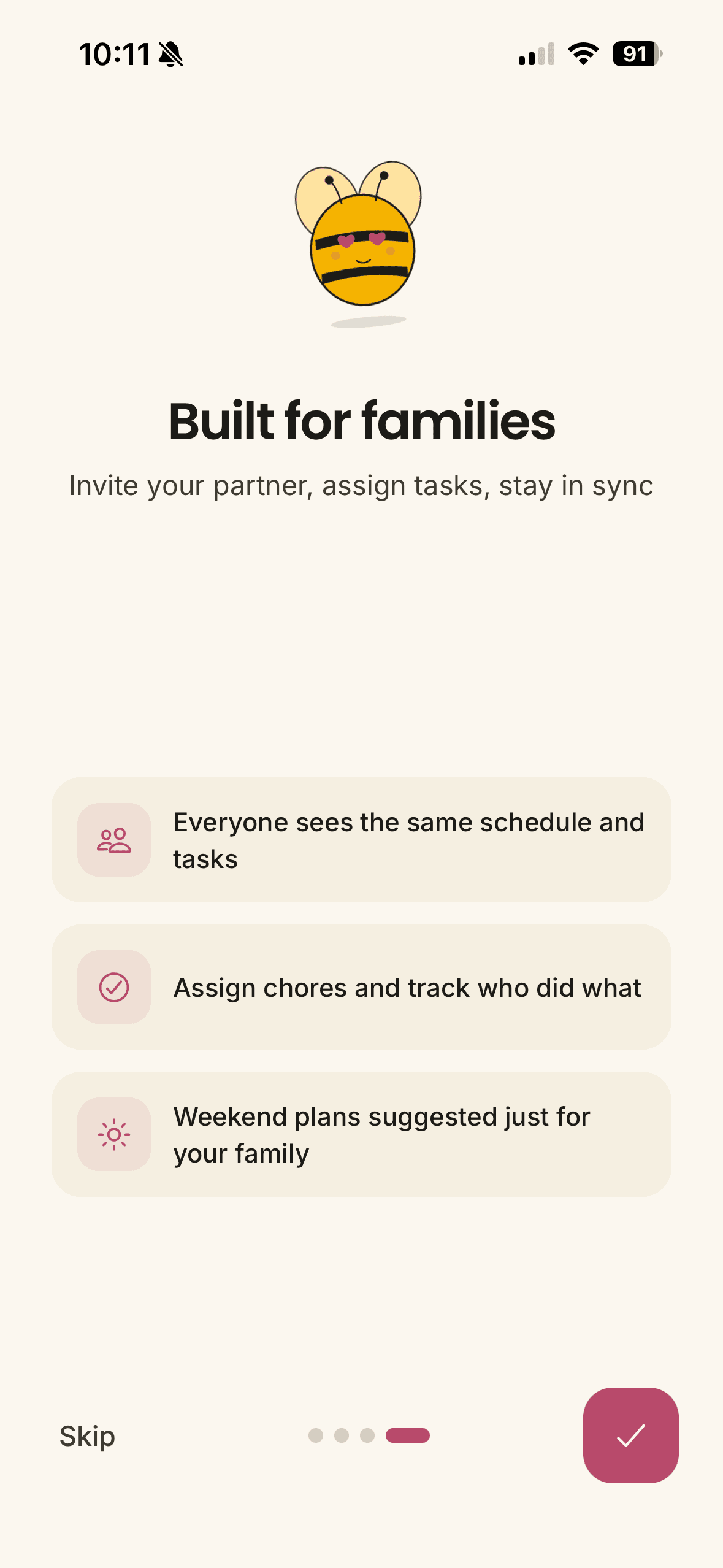
Fambee keeps the whole picture outside your head, where both of you can see it.
You set up a family app before. It was empty within a monthFlip it ↻
It starts full, not blank
Fambee fills itself from the email and calendars you already have. No typing it all in first.
It's 6pm and nobody has decided anythingFlip it ↻
Dinner, already handled
It plans the week around who's home, remembers what your family will eat, and builds the grocery list.
The answer is in an email from three weeks ago. SomewhereFlip it ↻
Just ask it
Ask anything about your family and it answers from what it has actually seen. Hand it a school packet and it reads that too.
Nothing here has a deadline until suddenly it's an emergencyFlip it ↻
The slow-burn stuff, remembered
Filter changes, warranties, the pet's shots. It tells you before they turn urgent.
How it works
Set it up once. Then forget it's there.
Connect what you already use
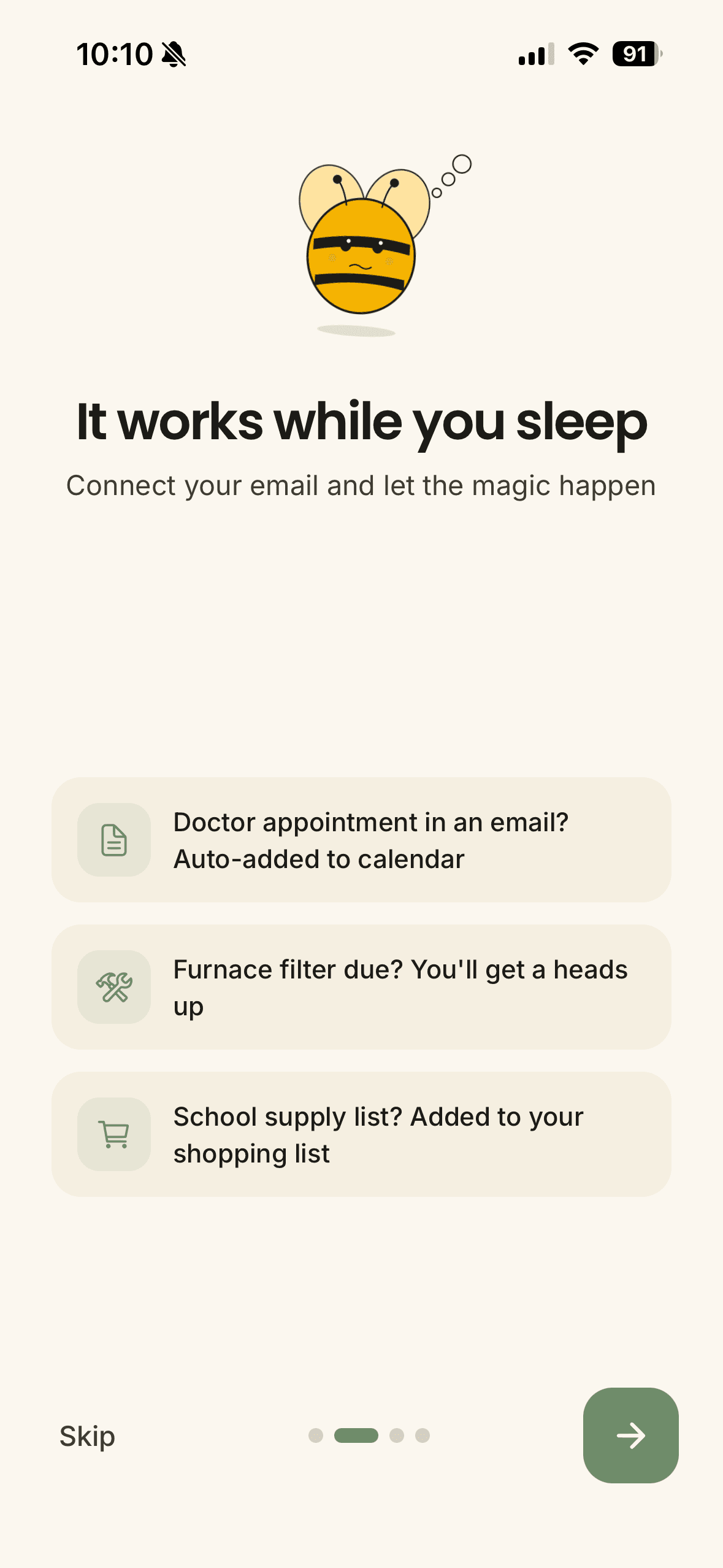
Link Gmail or Outlook with read-only access. It only reads what matters to your family.
It gets to know you
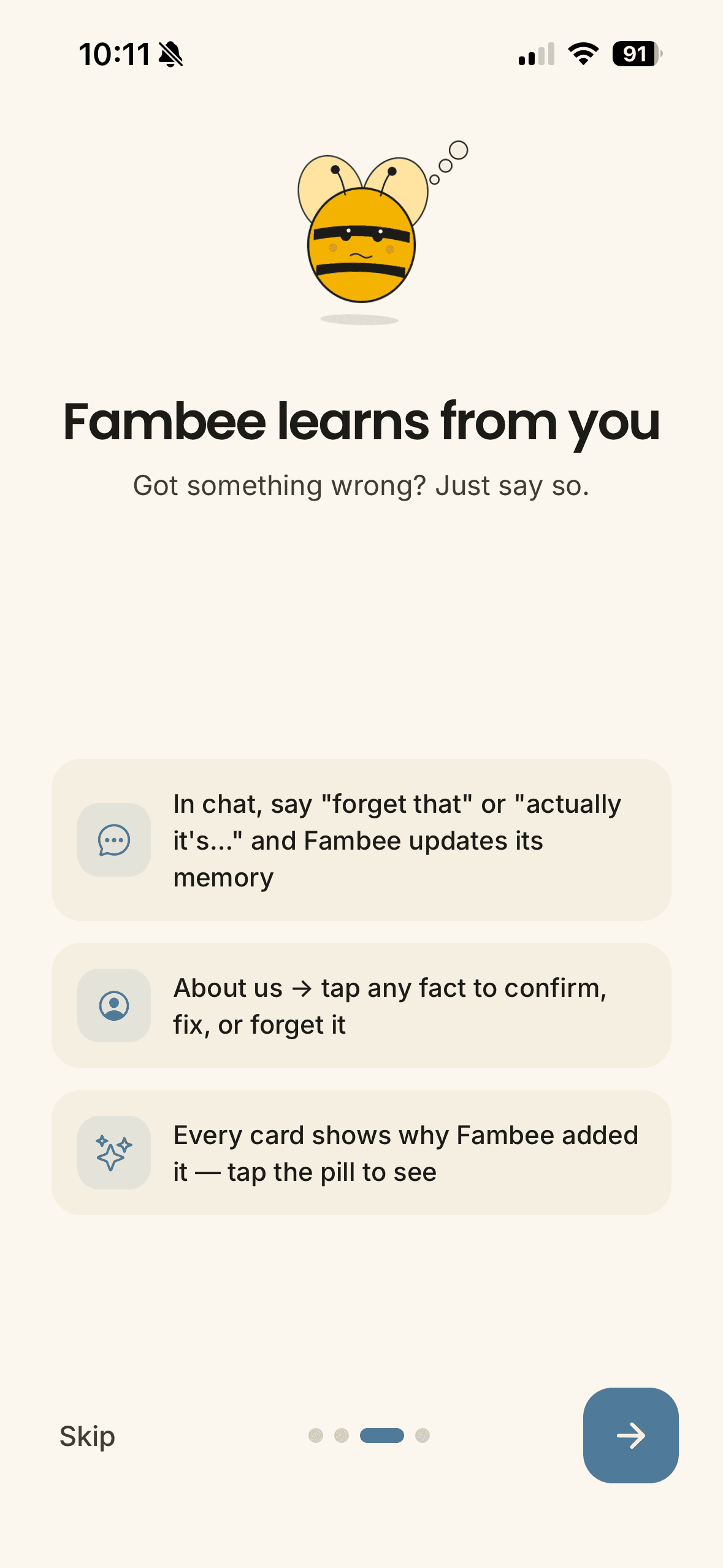
Within a day it learns who's who and the shape of your week. Unsure? It asks one question.
It handles the small stuff
Adding an event or a reminder happens quietly. Big decisions wait for your tap.
You stay in charge
It never deletes your data or sends messages on your behalf, and backs off if you ignore it.
Smart, but on a leash
Powerful AI. Short leash.
- ✓It never sends messages or emails on your behalf, or posts anywhere. It drafts, you decide.
- ✓Read-only email. It never deletes your data.
- ✓Quiet by design: a small daily notification budget that shrinks if you ignore it.
- ✓Never shared, never sold, never used to train models.
- ✓Not sure? It asks one question instead of guessing.
The details are in our privacy policy.
Questions parents ask
Everything you'd want to know first.
What is Fambee?+
Fambee is an AI family assistant: a family management app where the AI does the organizing for you. It reads the email your family already gets, turns school notices, appointments, permission slips, and bills into calendar events and reminders automatically, plans dinners, builds grocery lists, and keeps chores, home maintenance, and pets on track. Think of it as an AI chief of staff for your household.
How is Fambee different from family organizer apps like Cozi or FamilyWall?+
Traditional family organizer apps give you a shared calendar and lists that stay empty until someone types everything in, and that someone is usually one parent. Fambee starts with the same shared calendar and lists, but its AI fills them for you: it extracts events and tasks from your inbox, spots schedule conflicts before they happen, and suggests fixes you approve with a tap.
Can Fambee really turn school emails into calendar events?+
Yes, that's the heart of it. Connect Gmail or Outlook with read-only access and Fambee reads the picture-day notice, the field-trip form deadline, and the practice-schedule change, then creates the right calendar event or task automatically. You see what it added and why, and you can undo anything.
What can the AI manage for my family?+
The family calendar and schedules, to-dos and chores, grocery lists, weekly dinner plans based on who's home and what your family actually eats, home maintenance and warranties, and pet care like vet visits and vaccinations. You can also just ask it things in plain language, the way you'd ask a partner who happens to remember everything: what's on Thursday, when that deposit is due, what the school said about early dismissal. Hand it a document like an insurance policy, a school packet, or a medical form and it reads that too. It learns your family over time, so it gets quieter and more useful the longer you use it.
What happens when it gets something wrong?+
Two things keep that manageable. First, Fambee would rather ask than guess: when it isn't sure which child a school email is about, or which of two appointments you meant, it asks you one clear question you can answer with a tap instead of quietly picking. Second, nothing it does is permanent. Low-risk actions like adding an event happen automatically and are easy to undo; anything with real consequences waits for your approval. It can never delete your data.
Does my partner have to use it too?+
No, it works fine for one person. But the reason most families stay stuck is that only one adult holds the schedule in their head, so asking for help means explaining everything first. When you both have Fambee, that picture lives outside either of your heads and stays in sync, which is usually the difference between splitting the load and just splitting the tasks.
Is my family's data private and safe?+
Email access is read-only. Fambee can never send messages or emails on your behalf, never deletes your data, and caps its notifications tightly. Your family's data is never shared, never sold, and never used to train AI models.
How much does Fambee cost, and where can I get it?+
Fambee is free to download on iPhone from the App Store. On any phone, including Android, you can start by text: answer four quick questions at getfambee.com/onboarding, then text Fambee. The Android app has a waitlist at getfambee.com.

Bring Fambee home.
Free on iPhone, or start by text from any phone. Let it start running your family's day‑to‑day tonight.
Download on the App StoreOr start by textOn Android? Fambee works by text today. We'll only email you about the Android app. No spam, no list-selling.